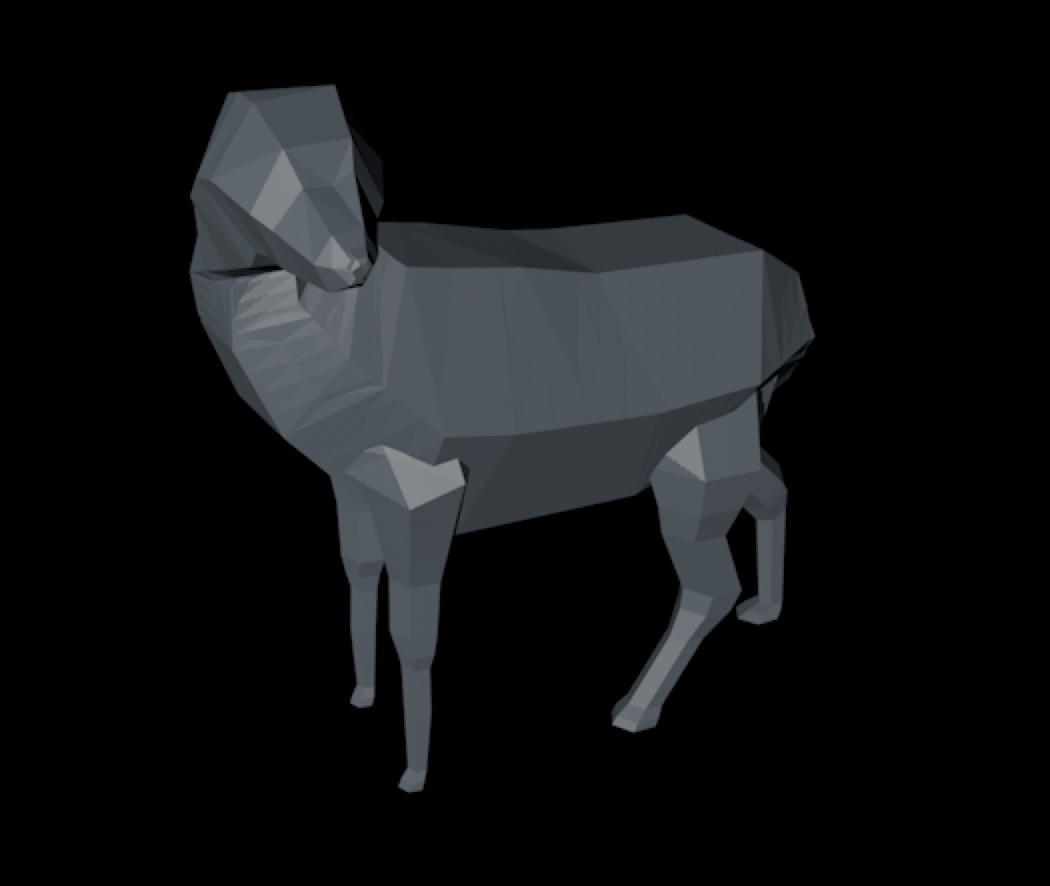
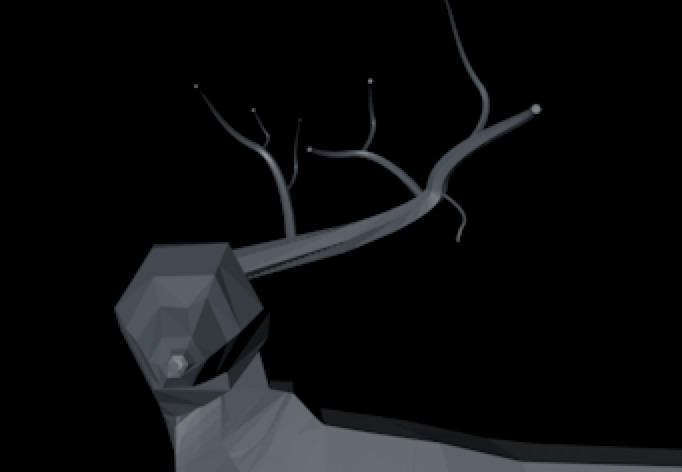
In the beginning of my second year at GLR we were using 3D a lot more then in the first year.
I was also getting to know Cinema4D better. But with school it kind of feels restricted to explore the C4D
world. That's why I wanted to explore it myself, by using tutorials to get me started.
I found an awesome Youtube tutorial that made a low poly deer. Which I could follow along step by step.
To get started we first needed to find the right photo.
This was so we got the right proportions and the outline to work with.
In C4D we got to work with a loft. In there you'd use Slides to get the right low poly vibes. With that I
used the photo to get the correct proportions. On the picture here left yoou see the body from behind.
Once the body was all ready I had to make the legs. I used the same technique. A n-Slide inside the loft and
then scale and size each n-slide.
After that I made the antlers and tail. With once again the same technique.
Once those were finished I got the enviroment to look a lot cooler.
Underneath here I have the finished pictures from all different sides.
In "End Result" you'll go to my Instagram and to the post about my Low Poly Deer.
I also used my deer for another school project with abstract figures. Those are also visible on my Instagram
post.
In "Youtube Tutorial" you'll go to Youtube and see the tutorial I used, if you want to make it yourself.